
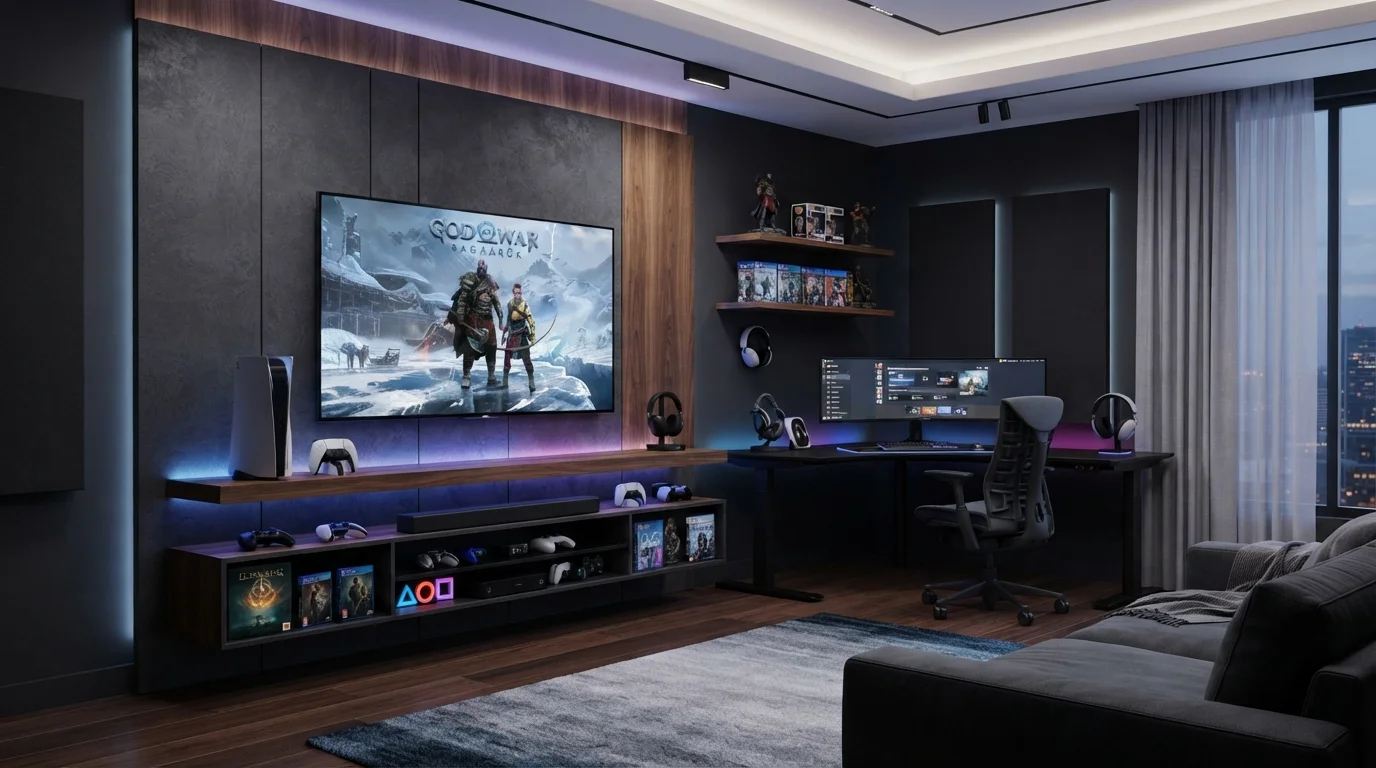
A great gaming room should do more than look impressive—it should make every gaming session feel comfortable, immersive, and exciting. Whether you’re building a dedicated gaming space or upgrading a corner of your bedroom, the right combination of lighting, furniture, storage, and technology can transform an ordinary room into a stylish PlayStation 5 setup.
The best gaming spaces balance visual impact with everyday functionality. Think sleek entertainment consoles, atmospheric LED lighting, comfortable seating, organized accessories, and thoughtful décor that reflects your personal gaming style. From minimalist setups to dramatic RGB gaming rooms, these 25 ideas will help you create a space that looks polished and performs beautifully.
1. Create a Sleek Black and White PS5 Setup
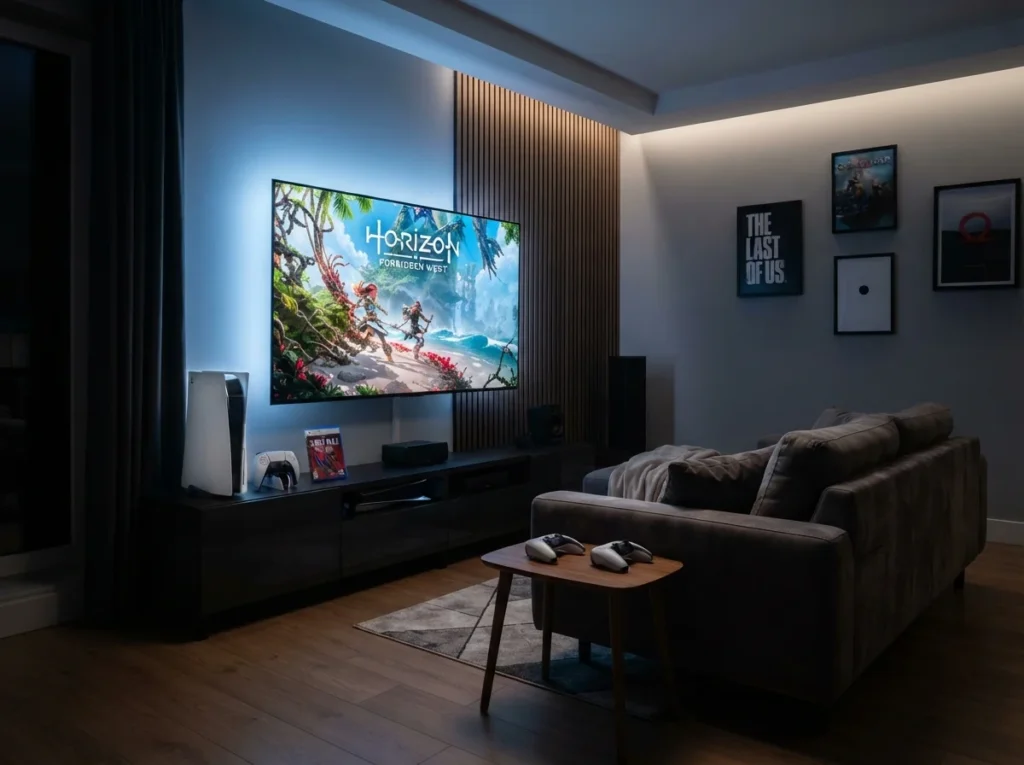
A black and white gaming room creates a clean, modern look that complements the PlayStation 5’s distinctive design. Start with a white desk, black gaming chair, and a neutral wall behind your entertainment setup. Keep the PS5 console visible on a dedicated stand so its sculptural shape becomes part of the room’s design rather than something hidden away.
Add a few black accessories, white shelving, and subtle LED lighting to tie everything together. A monochromatic color scheme also makes it easier to introduce new gaming equipment without making the space feel visually crowded. This setup works especially well in contemporary bedrooms and compact gaming rooms.
2. Install Immersive RGB LED Wall Lighting
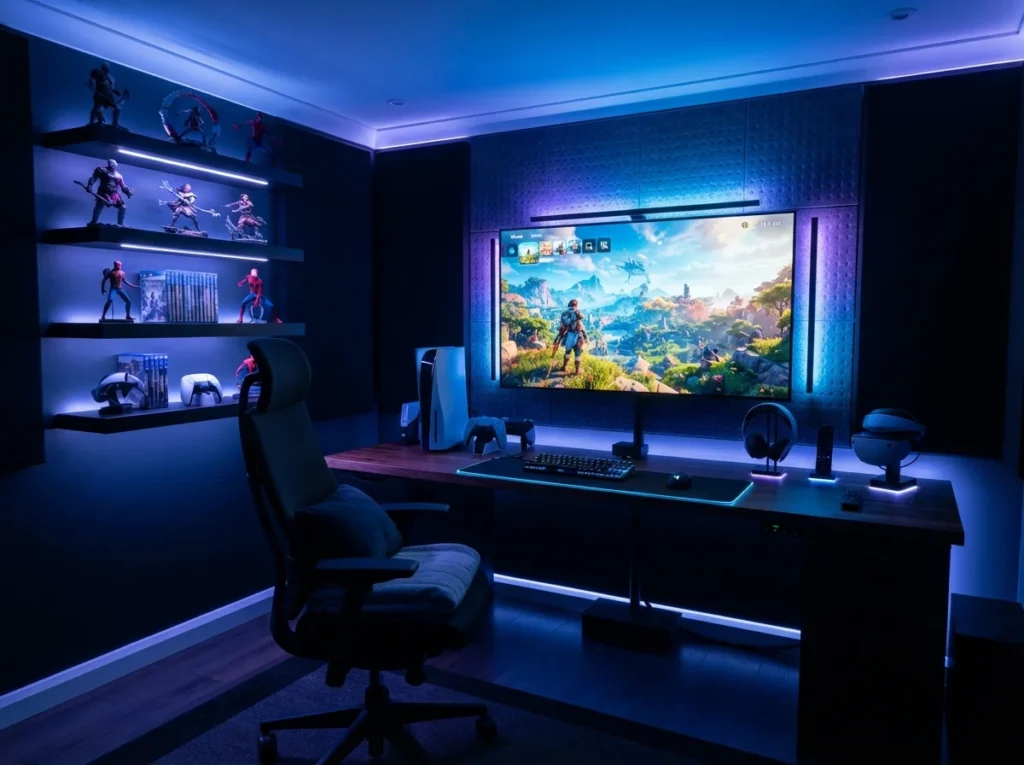
RGB lighting can completely change the atmosphere of a gaming room. Install LED strips behind your desk, beneath floating shelves, or along the edges of a TV wall to create a colorful glow without exposing the light source directly. Choose adjustable lighting that lets you switch between cool blue, purple, red, and softer ambient tones.
For a more polished result, avoid placing bright lights everywhere. Focus on a few strategic areas and let the colors complement the rest of the décor. Smart RGB lighting can also be adjusted to suit different moods, from energetic gaming sessions to relaxed evening entertainment.
3. Build a Wall-Mounted PlayStation Entertainment Center
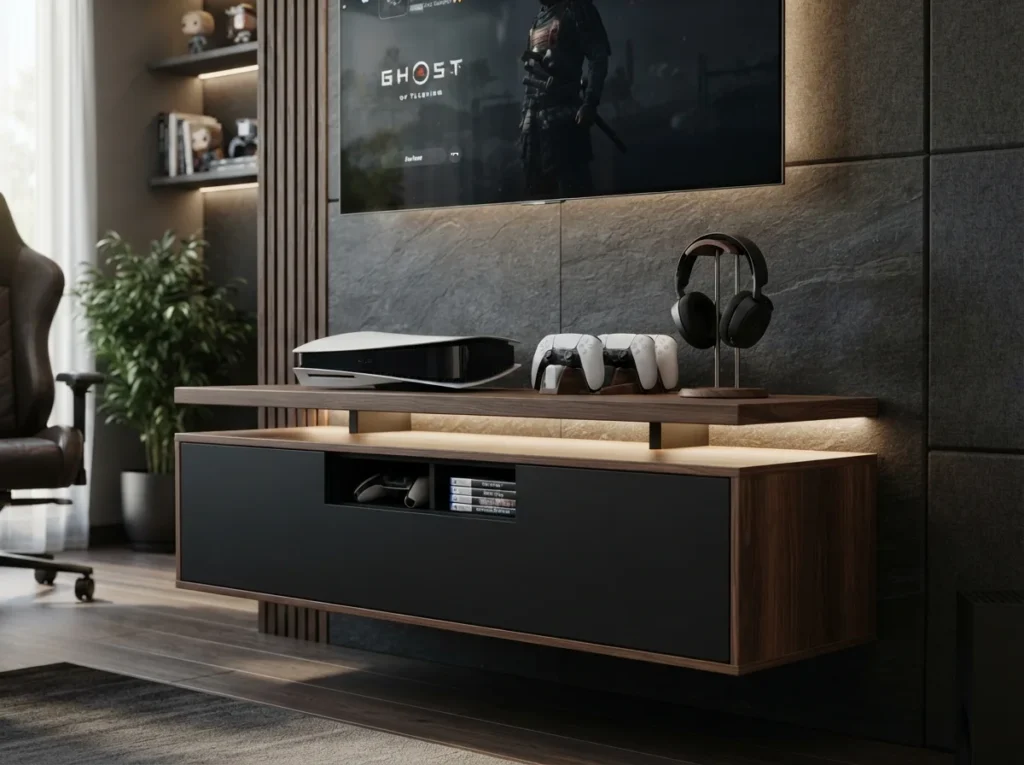
A wall-mounted entertainment center gives your PS5 setup a streamlined appearance while freeing up valuable floor space. Use floating shelves or a custom media unit to hold the console, controllers, headphones, and decorative accessories. A clean arrangement of shelves can make the entire gaming area feel more organized and professionally designed.
Choose finishes that complement your room, such as matte black, white, walnut, or a combination of materials. Make sure the console has enough ventilation and that cables are neatly routed. Keep frequently used accessories within easy reach so the setup remains practical as well as attractive.
4. Design a Cozy Gaming Bedroom Corner
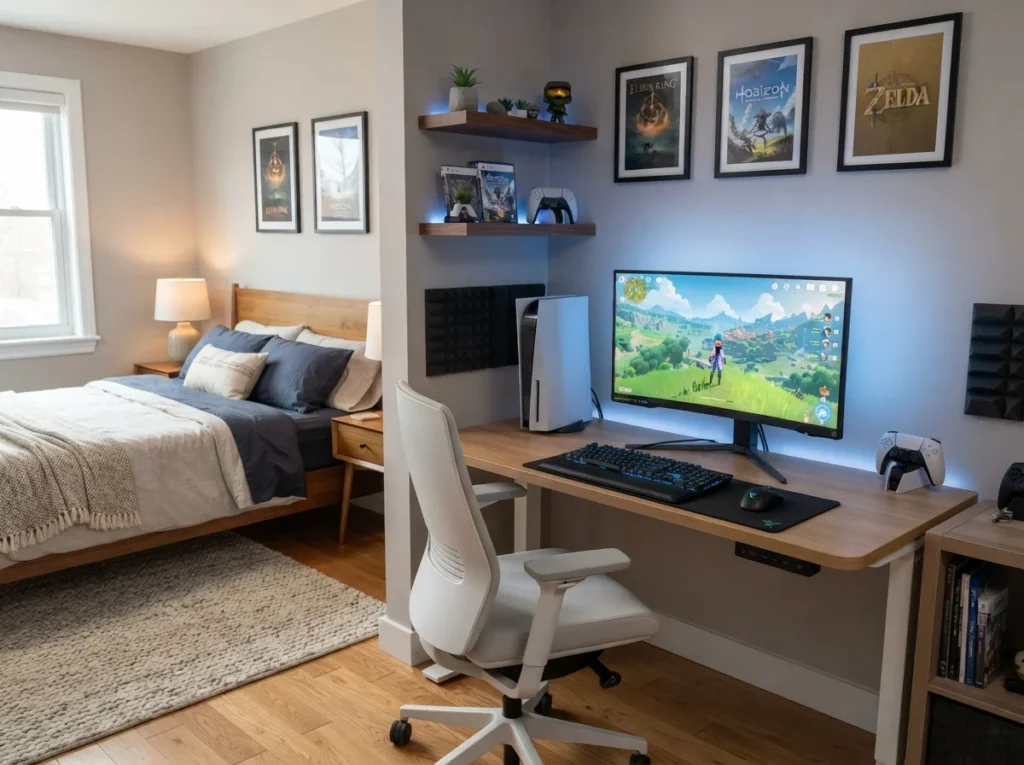
You don’t need an entire room to create an impressive PlayStation 5 setup. A carefully planned bedroom corner can become a comfortable gaming zone with a compact desk, ergonomic chair, monitor, and small accessory shelves. Use a rug or different wall color to visually separate the gaming area from the sleeping space.
Add warm ambient lighting, a few framed gaming prints, and organized storage for controllers and games. Choose furniture with a slim profile so the corner doesn’t overwhelm the bedroom. A coordinated color palette will help the setup feel like an intentional part of the room rather than a collection of electronics.
5. Add a Large 4K Gaming Display
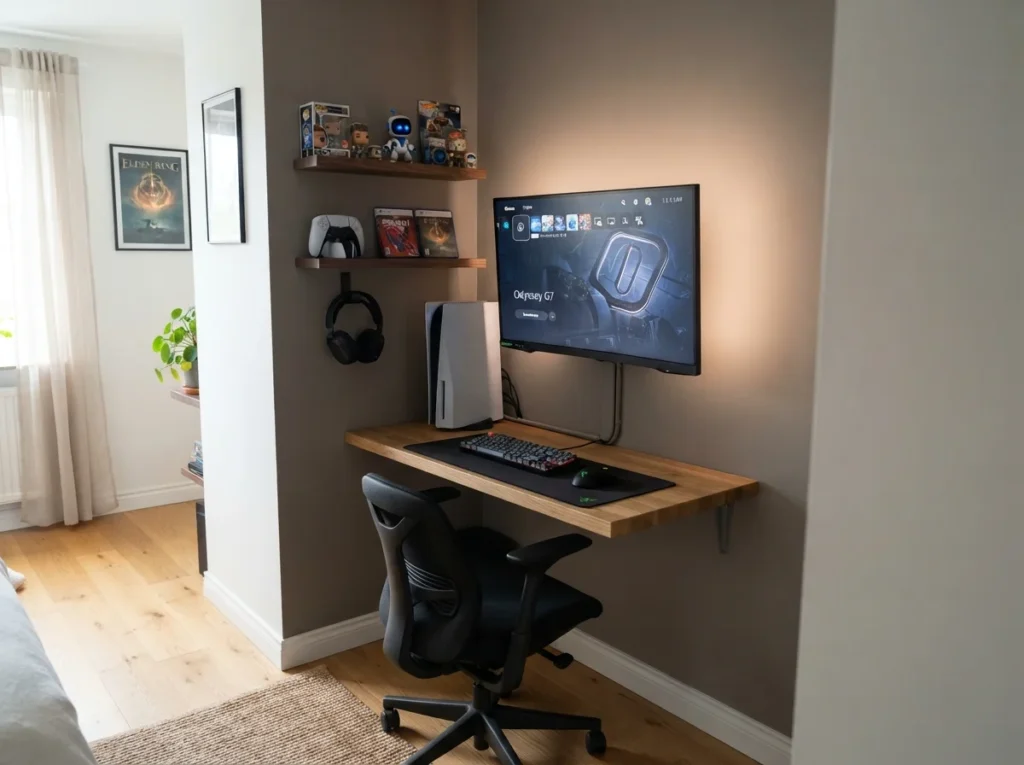
A high-quality display can become the centerpiece of a PlayStation 5 gaming room. A large 4K television is ideal for a comfortable living-room-style setup, while a gaming monitor may suit a desk-based arrangement. Look for features that match the games you play and your preferred viewing distance, including supported refresh rates and low input lag.
Mount the screen at a comfortable height and arrange seating directly in front of it. A simple media console beneath the display can hold accessories and keep the area visually balanced. Avoid positioning the screen where direct sunlight creates distracting reflections.
6. Choose an Ergonomic Gaming Chair
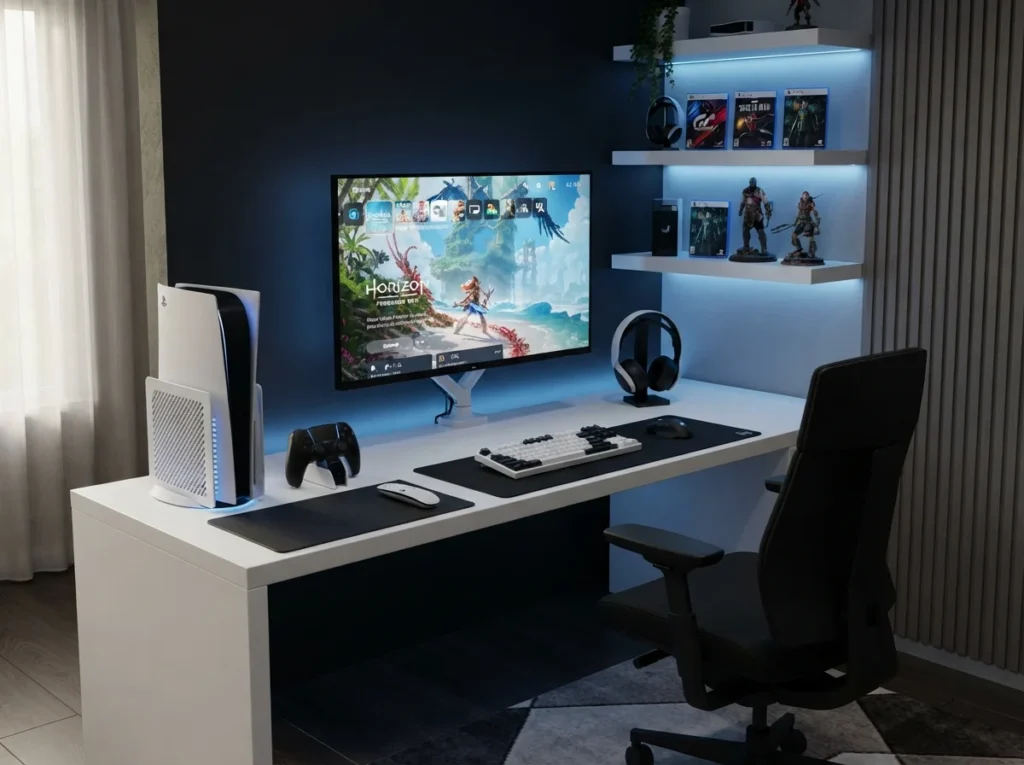
Comfort matters when gaming sessions last several hours. An ergonomic gaming chair with adjustable height, supportive armrests, and suitable lumbar support can make your setup more enjoyable. Choose a chair that fits your body and desk height instead of selecting one based only on its appearance.
For a more sophisticated gaming room, consider a chair in black, charcoal, cream, or muted gray. These colors blend easily with modern furniture and RGB lighting. Keep enough space around the chair for movement, and use a suitable floor mat if the chair has rolling casters.
7. Create a Futuristic Neon Gaming Wall
A neon-inspired wall gives a PlayStation 5 setup a bold, futuristic personality. Use a combination of LED wall bars, geometric light panels, and a tasteful gaming-themed neon sign to create a dramatic backdrop. Blue, violet, and magenta tones work beautifully together, especially against dark walls.
Keep the furniture simple so the lighting remains the main attraction. A black desk, clean monitor arrangement, and a few floating shelves can provide structure without competing with the illuminated wall. Use dimmable lighting to adjust the brightness and prevent the space from becoming visually overwhelming.
8. Organize Controllers With a Dedicated Charging Station
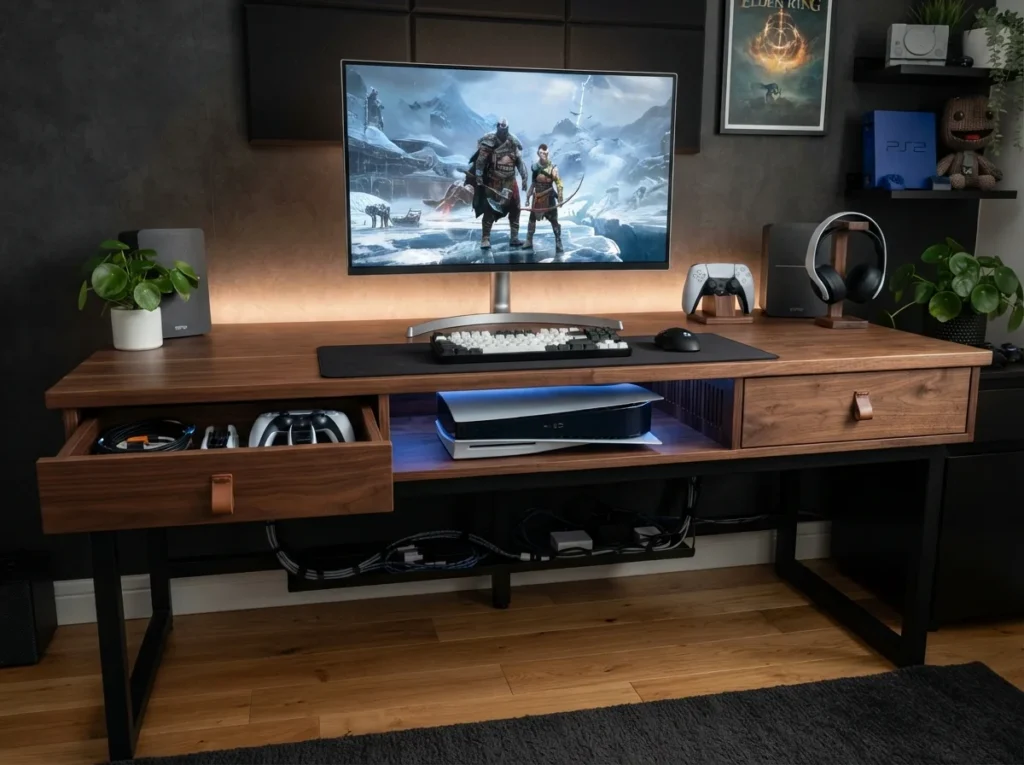
A dedicated controller charging station keeps your gaming desk neat and makes accessories easier to find. Place the charging dock on a floating shelf, media console, or a designated section of your desk. Arrange controllers in a consistent position so the area looks tidy even when the setup is not in use.
Choose a charging solution designed for compatible controllers and follow the manufacturer’s instructions. You can also add a small tray for charging cables, headset accessories, and other frequently used items. This simple upgrade makes a noticeable difference in everyday organization.
9. Build a Dual-Monitor Gaming and Streaming Setup
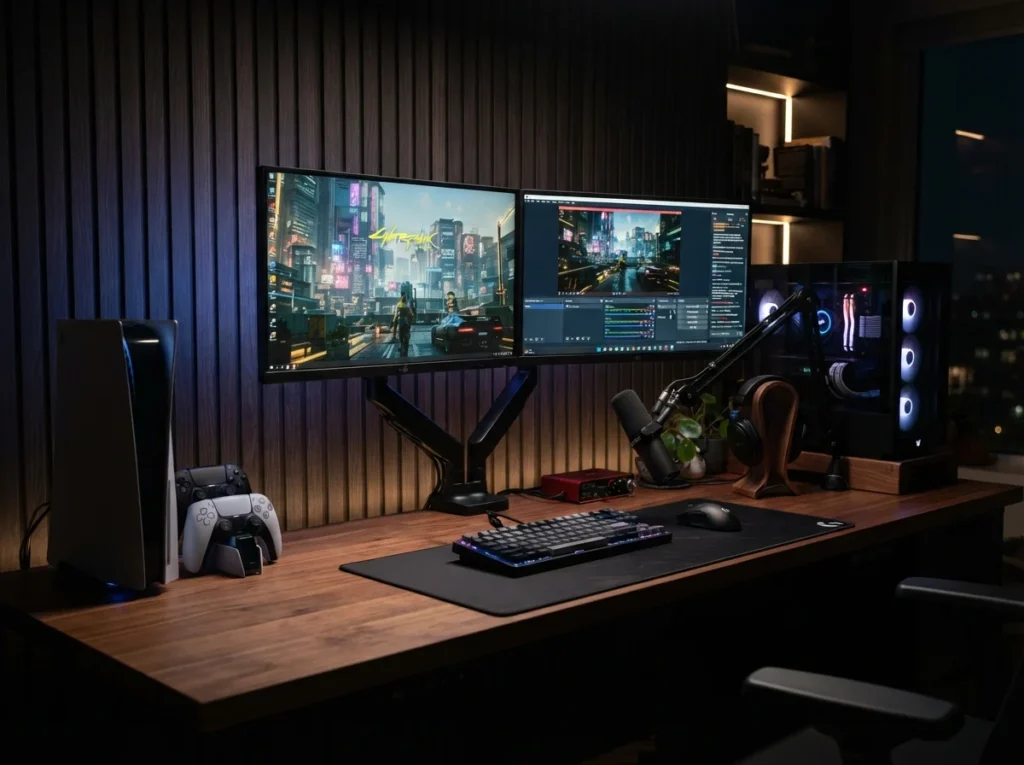
A dual-monitor arrangement is useful if you enjoy gaming alongside streaming, chatting, or browsing. One display can be dedicated to your main gaming activity while the second handles communication, tutorials, or other applications. A coordinated desk layout helps keep the screens comfortable to view without taking over the entire room.
Use adjustable monitor arms to manage screen positions and free up desk space. Add a microphone arm, headphones stand, and discreet cable management for a more professional appearance. If your PlayStation is connected to a capture or streaming setup, plan the equipment placement before installing shelves and accessories.
10. Design a Minimalist White Gaming Room
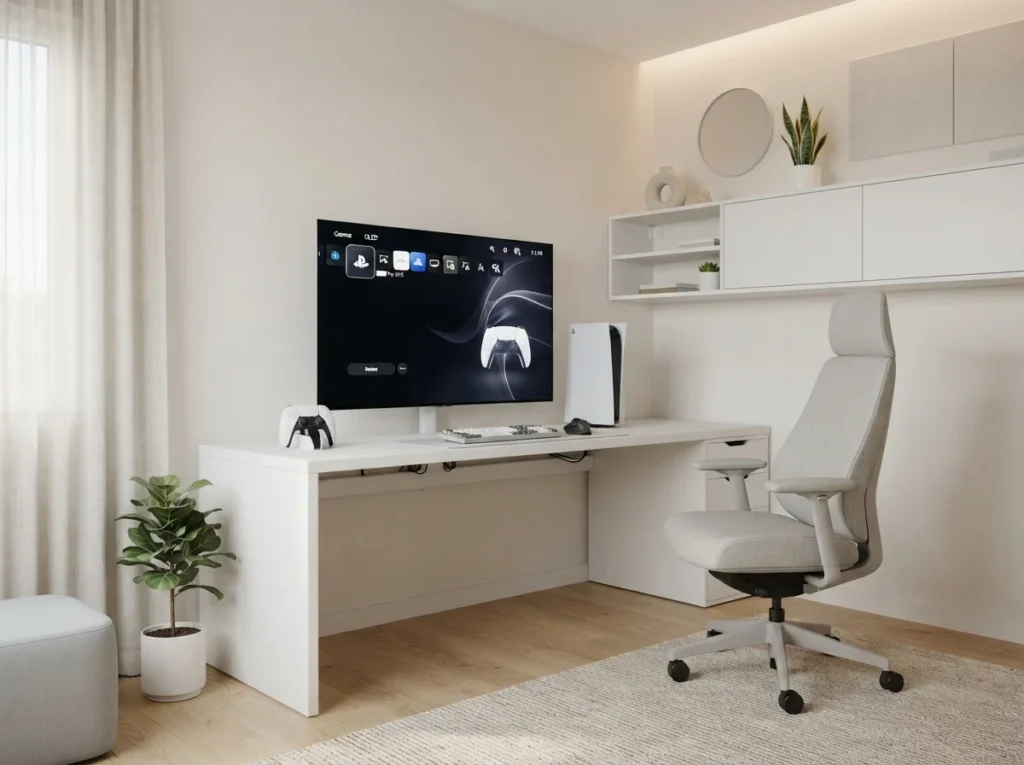
A minimalist white gaming room feels bright, spacious, and modern. Start with a white desk, pale walls, streamlined storage, and a comfortable chair in a matching neutral shade. The PlayStation 5 fits naturally into this palette, while a few black accessories can create contrast and prevent the space from looking too plain.
Use hidden cable management and closed storage to maintain a clean appearance. Add a small plant, simple wall art, or a soft textured rug for warmth. Keep decorations selective and leave enough empty space around the equipment so the setup feels calm rather than crowded.
11. Add Acoustic Wall Panels for a Studio Look
Acoustic panels can give a gaming room a more professional appearance while helping manage sound reflections. Arrange them behind your desk or around the main gaming area in a geometric pattern. Dark gray, black, and charcoal panels create a sleek studio-inspired look, while wood-finish acoustic slats add warmth.
Choose panels designed for acoustic treatment rather than assuming decorative foam will soundproof the room. Their placement should suit the room’s layout and listening position. Pair them with a comfortable chair, clean desk, and soft ambient lighting for a polished gaming environment.
12. Create a Cozy Gaming Lounge With a Sofa
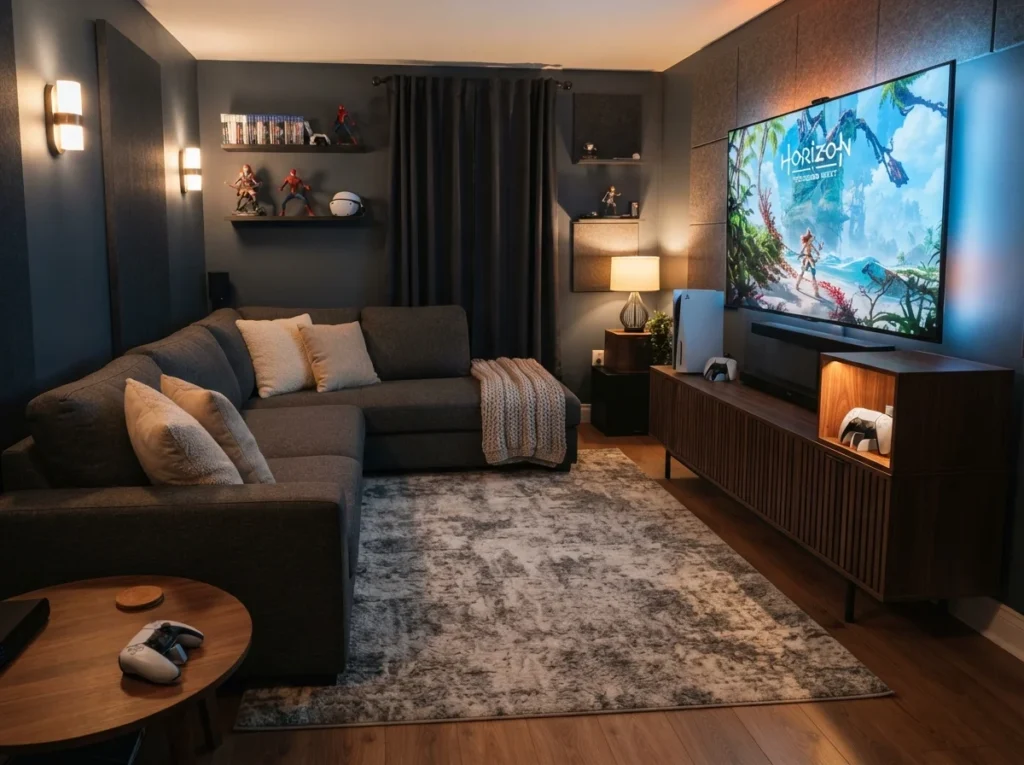
A sofa-based PlayStation setup is perfect if you prefer relaxed gaming rather than sitting at a desk. Choose a comfortable compact sofa or loveseat positioned at a suitable distance from the television. Add a low media console, soft rug, and a small side table for drinks and accessories.
Layer cushions and a cozy throw to make the area feel like a stylish entertainment lounge. Keep the TV wall organized with concealed storage and subtle backlighting. This arrangement works especially well in shared living spaces where gaming, movies, and everyday relaxation need to coexist.
13. Use Floating Shelves to Display Gaming Collectibles
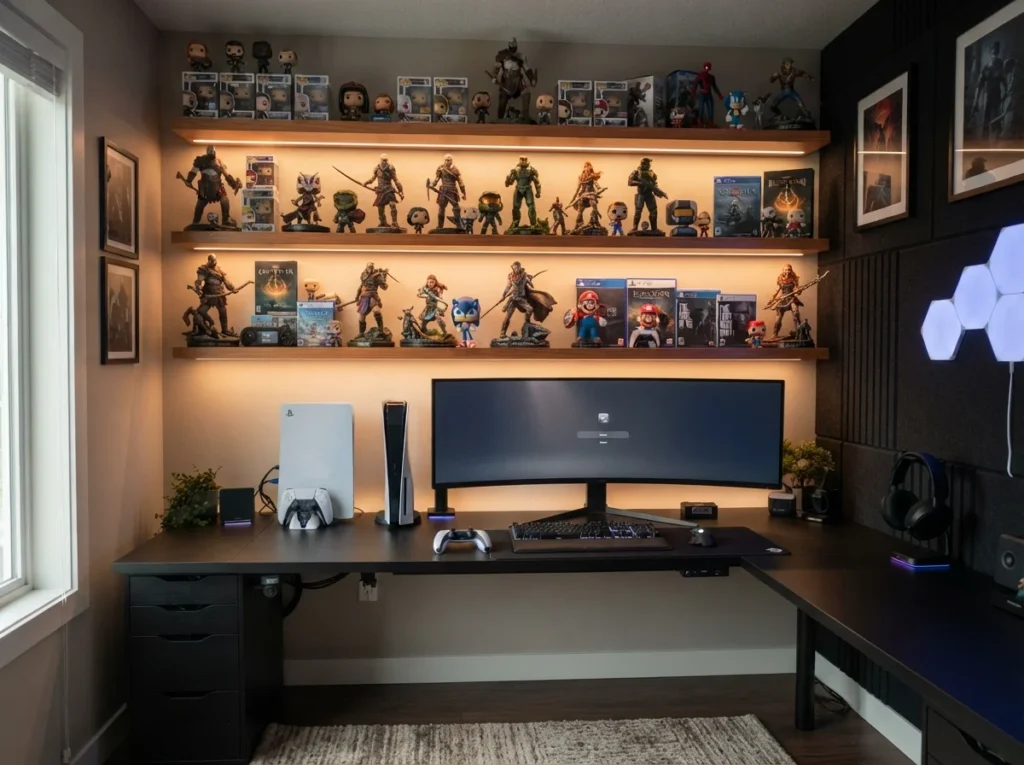
Floating shelves give you a practical way to display gaming collectibles without cluttering your desk. Arrange selected figures, limited-edition accessories, game cases, and small decorative objects in a balanced layout. Use shelves in matching finishes to connect the display with the rest of your furniture.
Add subtle LED strips underneath the shelves to highlight the collection. Leave some open space between objects so each display piece can stand out. Keep heavier items on properly secured shelves and avoid placing collectibles where they could interfere with console ventilation or everyday movement.
14. Design a Dark Moody Gaming Room
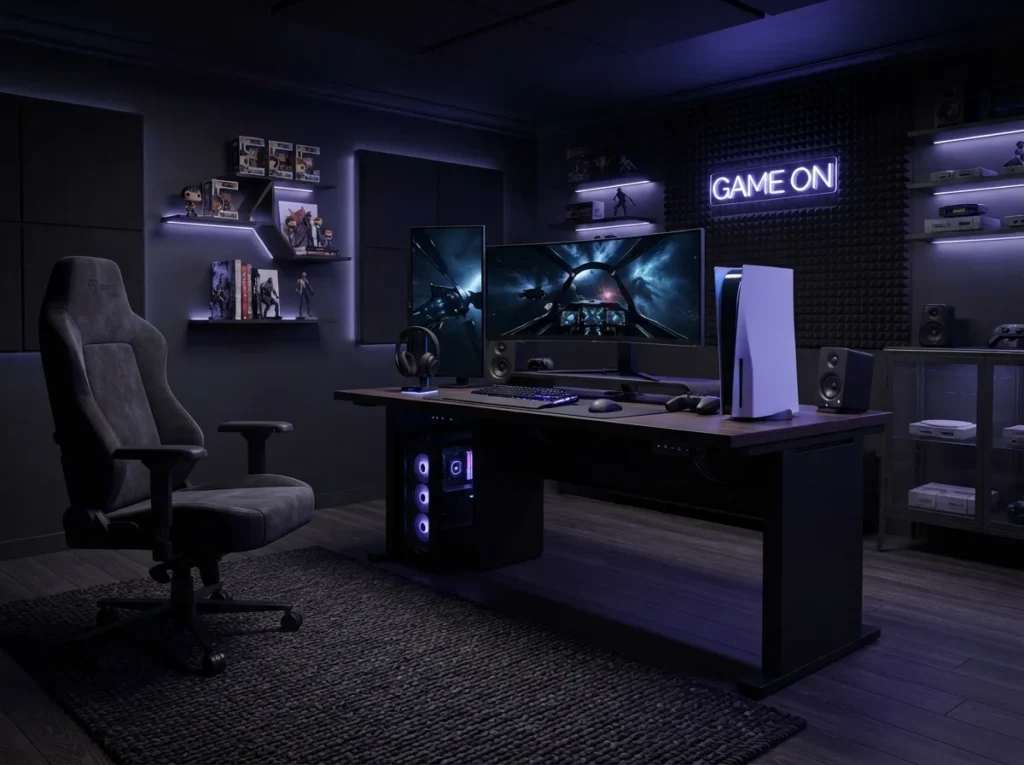
A dark gaming room creates a cinematic atmosphere that feels immersive and sophisticated. Deep charcoal walls, matte black furniture, dark wood finishes, and carefully controlled LED lighting form a dramatic foundation. Add a few violet or blue light accents to create depth without making the entire room overly colorful.
Balance the darker palette with comfortable textures such as a soft rug, upholstered chair, and fabric acoustic panels. Use task lighting around the desk so the room remains functional when you’re not gaming. This design is especially effective in dedicated gaming spaces with limited natural light.
15. Install a Custom Gaming Desk With Storage
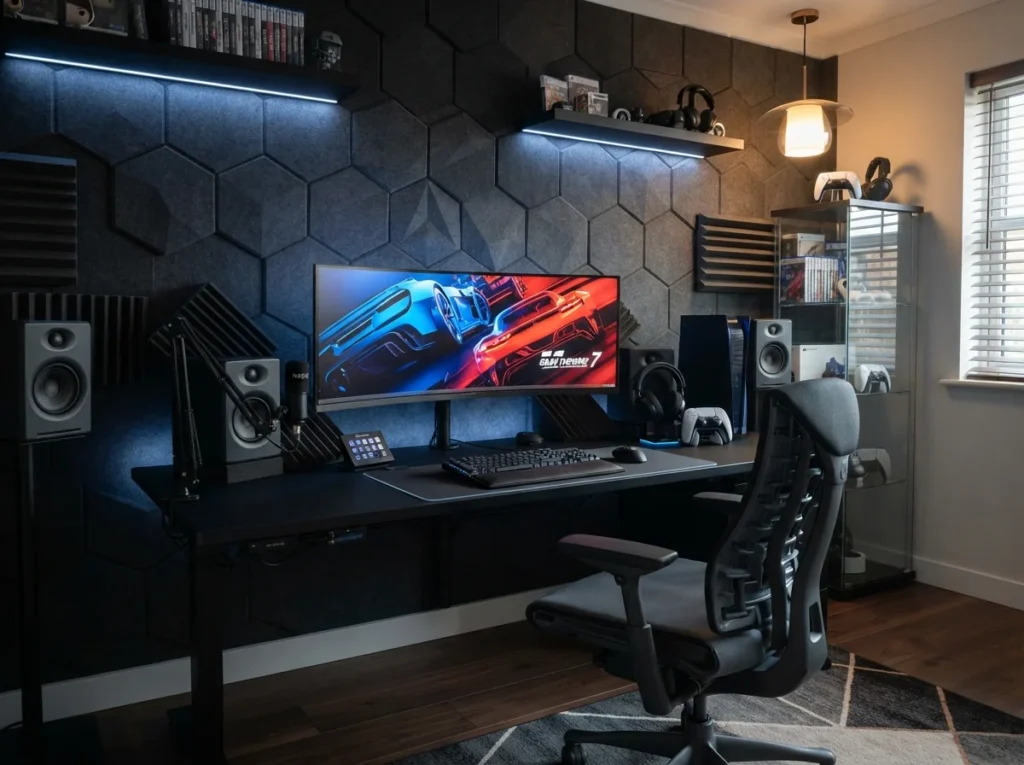
A custom gaming desk can make your PlayStation setup more organized and visually cohesive. Choose a wide surface that accommodates your display, console, controller dock, and everyday accessories without feeling cramped. Built-in drawers or side cabinets provide storage for cables, game cases, and smaller equipment.
Consider a desk with a clean wood top and black metal frame for a modern look. Cable trays underneath the surface help keep wires out of sight, while a monitor stand can create additional storage space. Measure your room and equipment before choosing the desk to ensure a comfortable fit.
16. Create a Gaming Room With Blue LED Accents
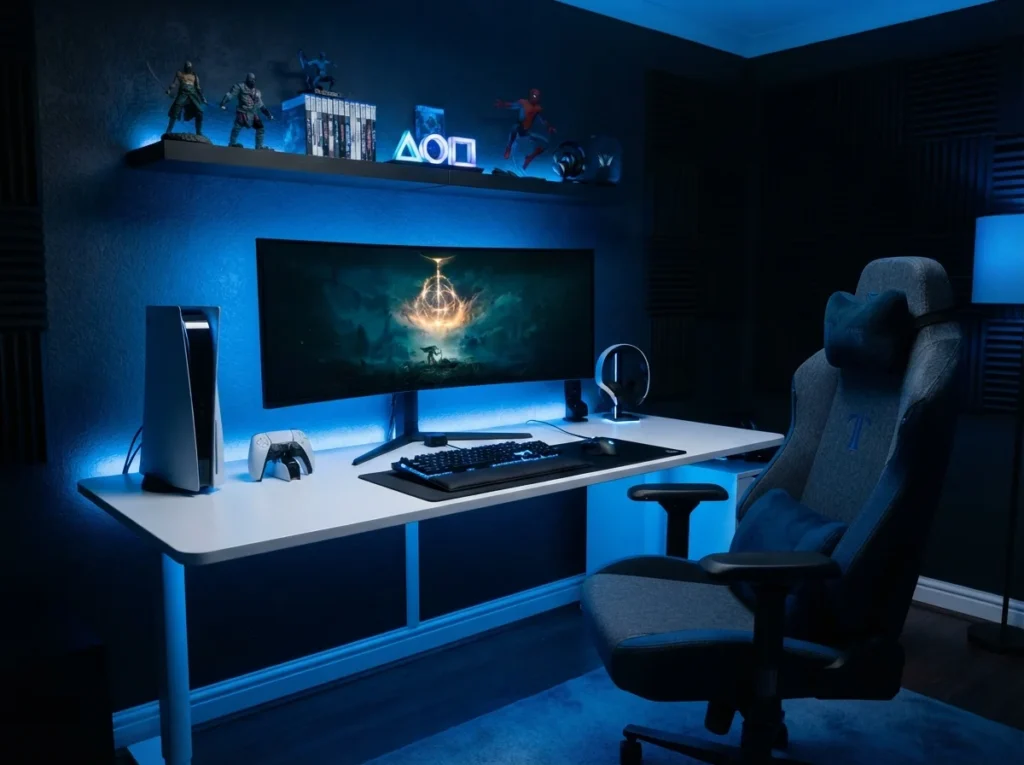
Blue lighting is a popular choice for a PlayStation 5 room because it creates a cool, futuristic atmosphere. Use blue LED strips behind the television, under the desk, or around shelving to highlight the main gaming area. Combine the lighting with white furniture and charcoal accents for a balanced contemporary look.
Choose adjustable brightness so the room remains comfortable during long sessions. A few blue decorative accessories can connect the lighting to the overall design. Keep the color concentrated around key areas rather than covering every wall, which helps the room feel intentional and stylish.
17. Add a Dedicated Headset and Accessory Display
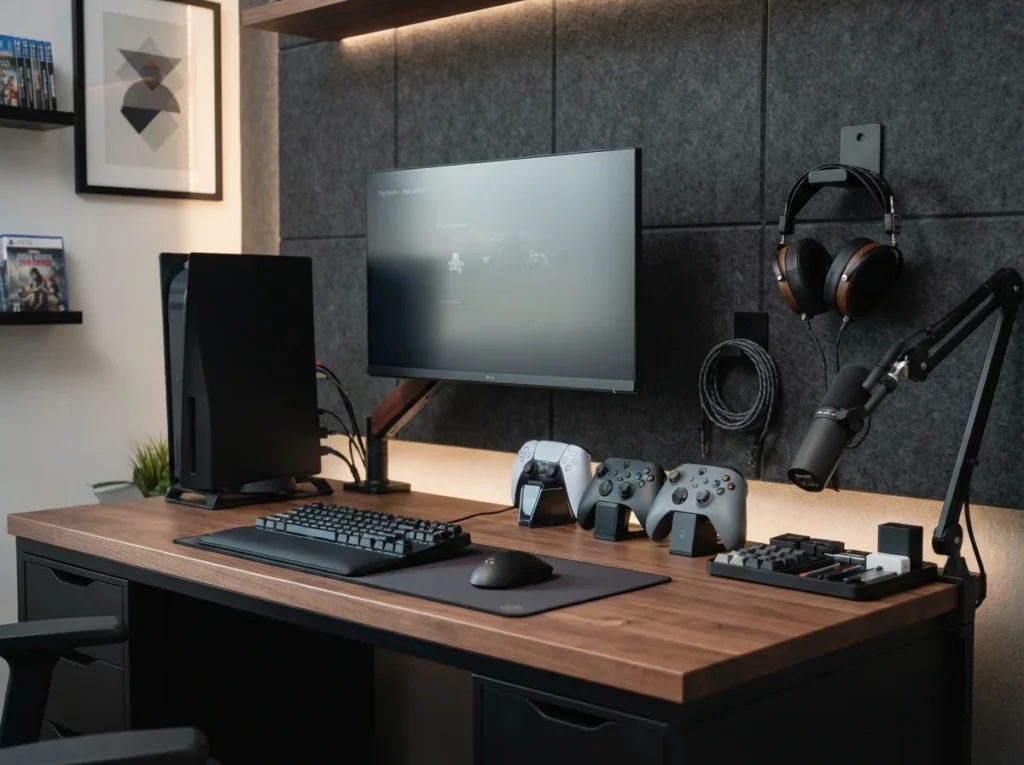
A dedicated accessory display keeps headphones, microphones, controllers, and other gaming essentials organized. Install a wall-mounted headset hook or use a compact stand on the desk. Add small trays or storage compartments for cables, adapters, and spare accessories so everything has a clear place.
For a coordinated appearance, choose accessories in finishes that match the desk and console area. A black metal stand works well in a modern setup, while a wooden organizer can soften a minimalist room. Keep delicate equipment away from direct sunlight and areas where it could easily be knocked over.
18. Build a PlayStation Gaming Room With Wood Accents

Wood accents can make a gaming room feel warmer and more sophisticated. Use a walnut desk, oak floating shelves, or a wood-finish media console to soften the appearance of screens and electronic equipment. Pair these natural materials with black accessories and subtle LED lighting for a modern contrast.
A wood-slat feature wall behind the display can create a strong visual focal point. Keep the surrounding décor simple with neutral walls, a textured rug, and a comfortable chair. This combination is ideal if you want a gaming space that feels connected to the rest of your home’s interior design.
19. Create a Compact Gaming Setup for Small Rooms
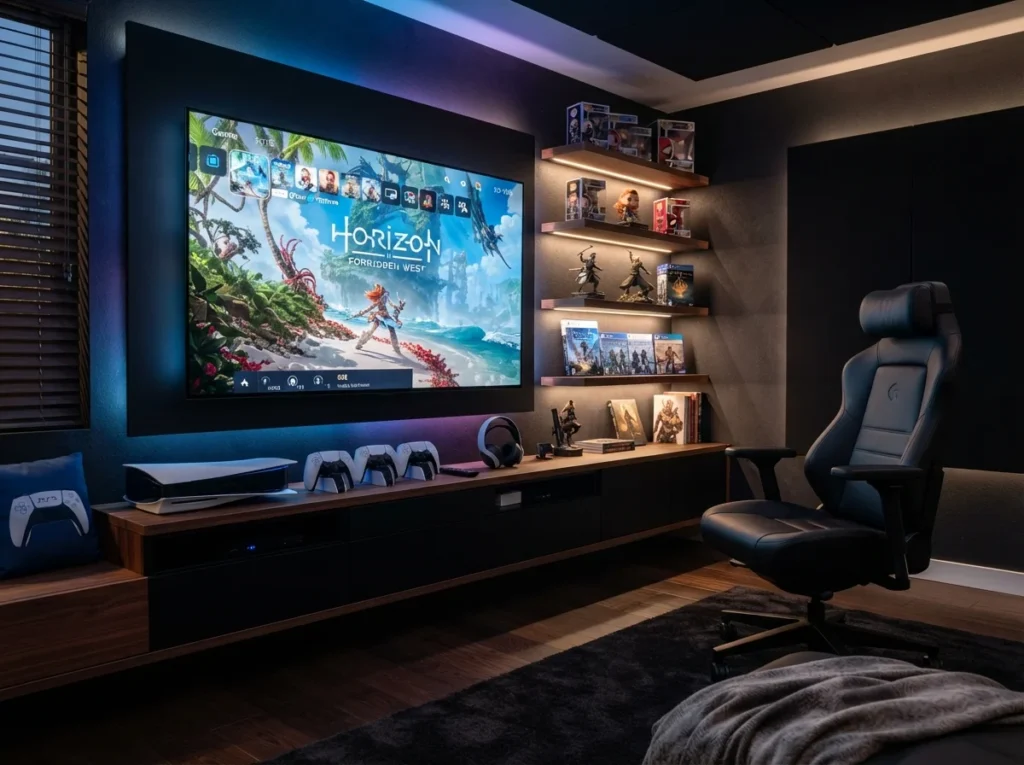
A small room can still accommodate a stylish PS5 setup with thoughtful furniture choices. Use a narrow desk, wall-mounted display, compact chair, and vertical shelves to make the most of limited floor space. Choose furniture with built-in storage so controllers, headphones, and cables do not accumulate on the desk.
Keep the color palette simple and use lighting to define the gaming zone. A wall-mounted power strip or carefully planned cable route can reduce visual clutter. Measure the available space before buying equipment, leaving enough room for comfortable seating and safe movement.
20. Add Gaming-Themed Wall Art
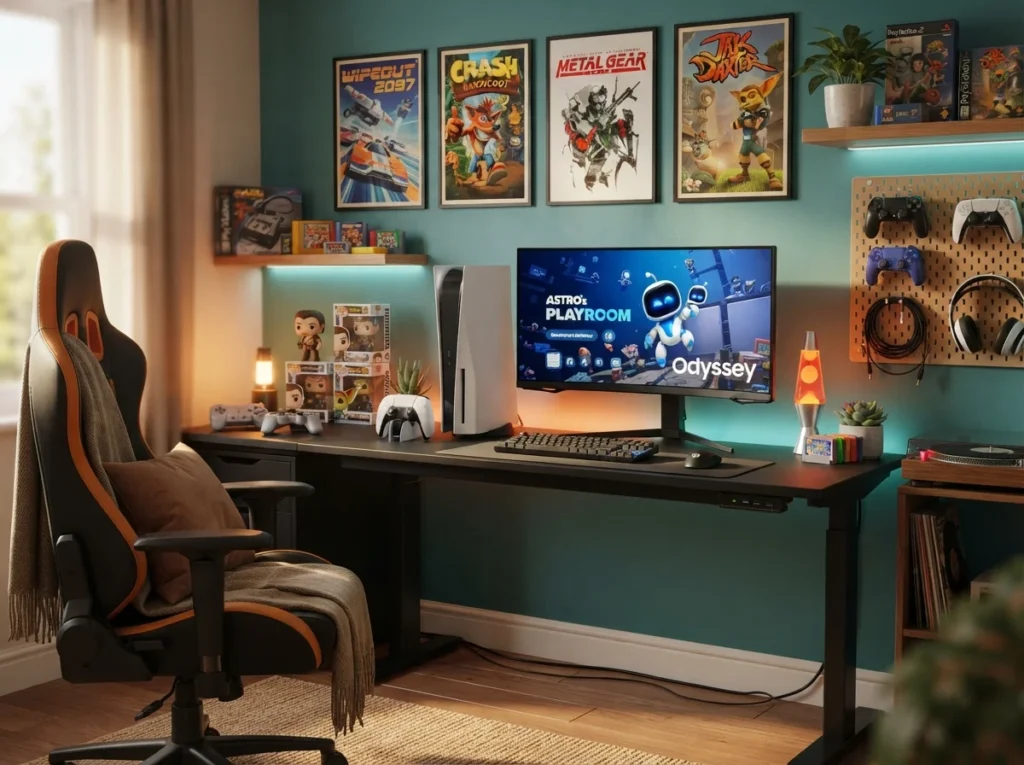
Gaming-themed wall art gives your room personality without requiring major renovations. Choose framed prints inspired by your favorite PlayStation games, abstract gaming graphics, or minimalist controller illustrations. A coordinated gallery wall can make the area behind your desk or television feel more complete.
Use matching frames to keep the display visually consistent. Black frames suit dark gaming rooms, while white or natural wood frames work well with lighter interiors. Position the artwork so it complements the screen rather than competing with it, especially if the wall is already filled with RGB lighting.
21. Design a Premium Gaming Room With a Built-In Media Wall

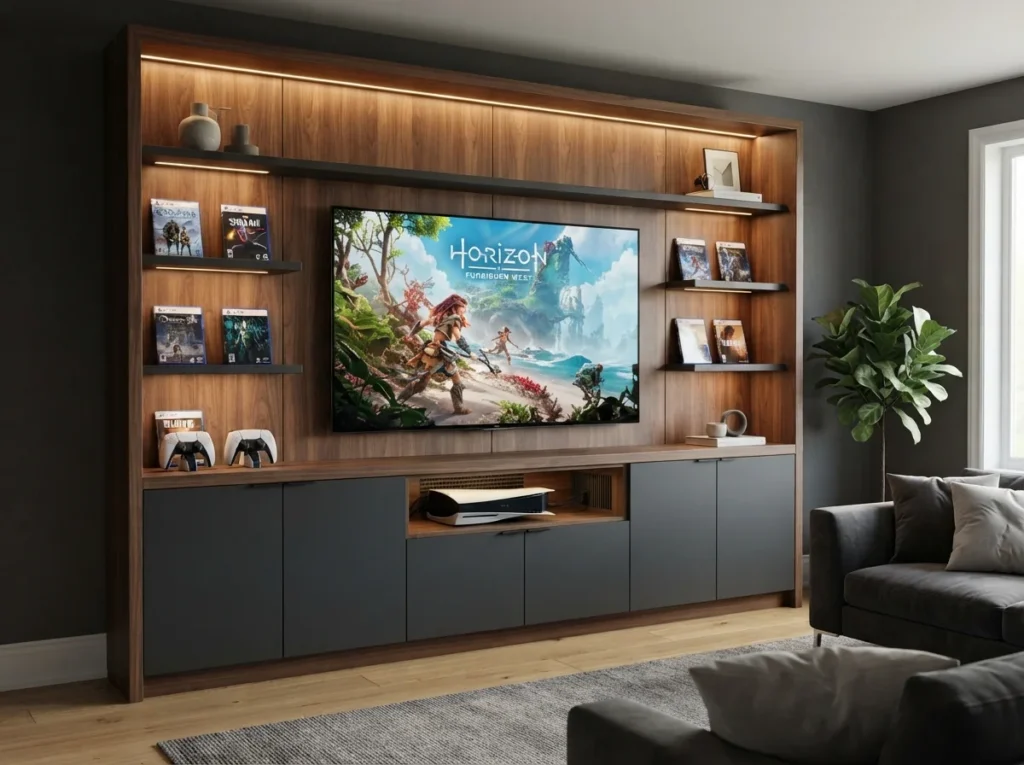
A built-in media wall creates a polished, custom appearance for a dedicated PlayStation gaming room. Combine a central television or display with recessed shelving, closed storage, and a dedicated console area. Matte finishes, warm wood panels, and integrated lighting can make the installation feel like a high-end entertainment feature.
Plan the layout around the equipment before construction. Include accessible power outlets, cable routes, and enough open space for the console to ventilate properly. Closed cabinets are useful for accessories, but the PS5 itself should not be enclosed in a space that traps heat.
22. Create a Retro-Inspired Gaming Corner
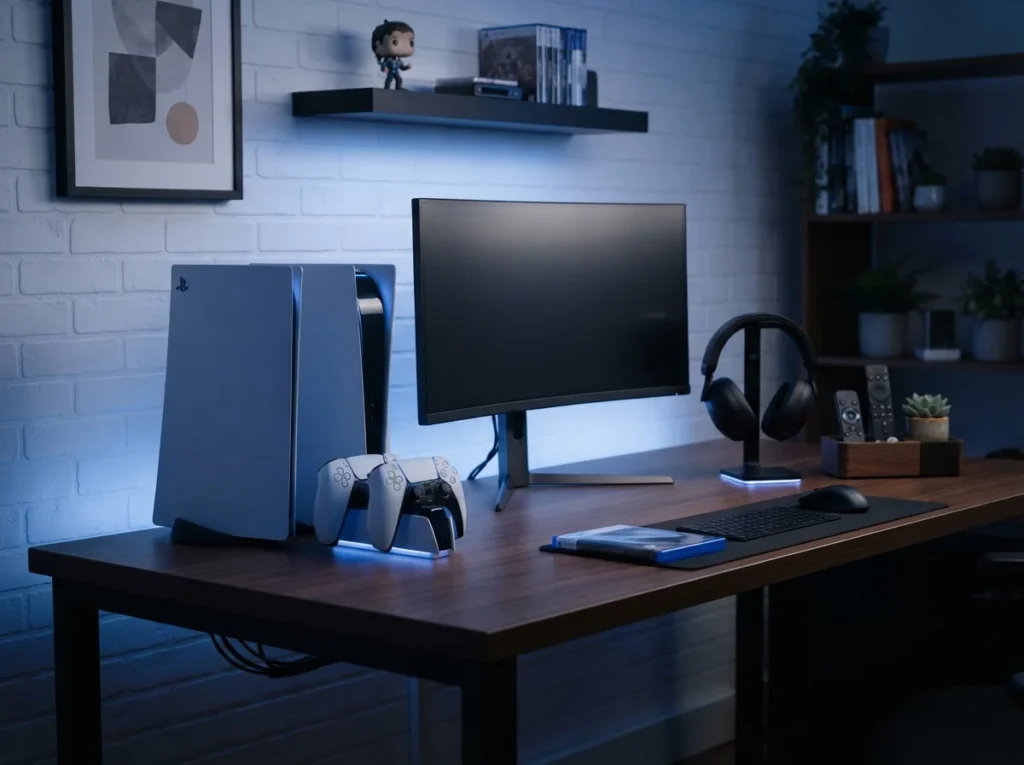
A retro-inspired gaming corner adds personality through nostalgic colors and playful decorative details. Use vintage-style posters, colorful shelving, classic gaming artwork, and a few carefully chosen collectibles. You can combine these elements with modern furniture so the space feels updated rather than like a themed showroom.
Choose one or two accent colors, such as orange, teal, or red, and repeat them throughout the room. Keep the PlayStation 5 as the main functional centerpiece while allowing the surrounding décor to celebrate gaming culture. A small display shelf can showcase collectibles without taking over the setup.
23. Install Smart Lighting for an Immersive Gaming Experience
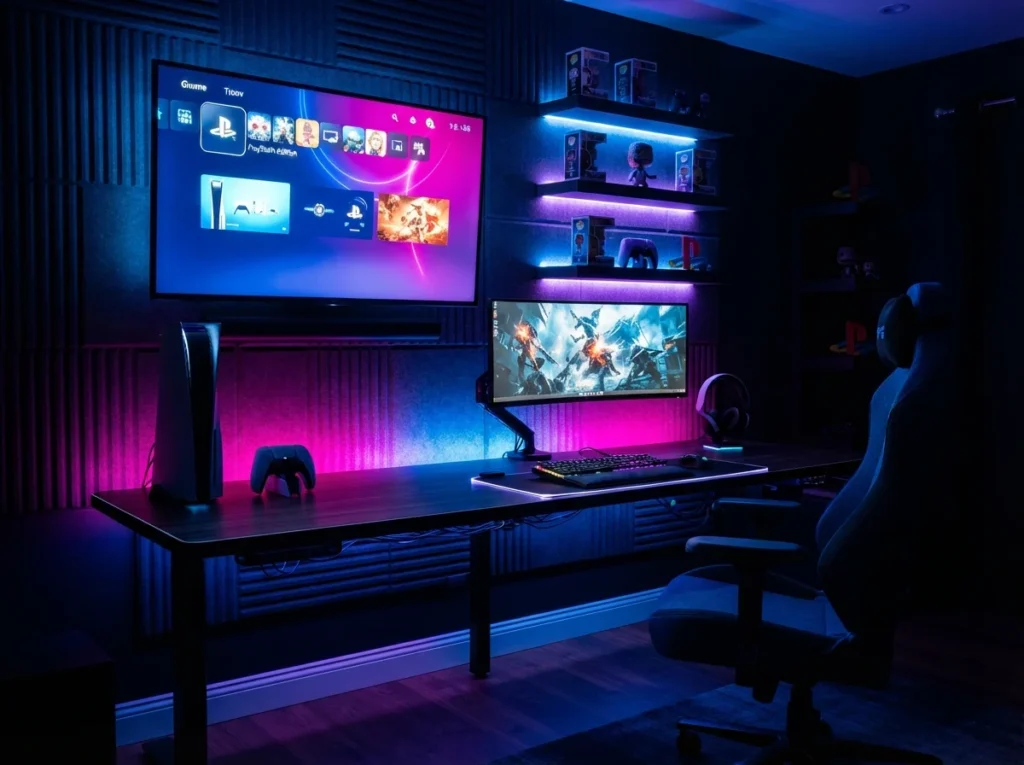
Smart lighting makes it easy to change the atmosphere of your gaming room with minimal effort. Use compatible smart bulbs, LED strips, or light bars to create different scenes for gaming, watching movies, and relaxing. Soft blue and violet tones can create a futuristic mood, while warm white lighting is more comfortable for everyday use.
Place lights behind screens and furniture to create indirect illumination. Check device compatibility before building a connected lighting system, especially if you want voice or app control. Keep brightness adjustable so the lighting enhances the experience without distracting you from the display.
24. Add a Stylish Gaming Room Rug and Soft Textures
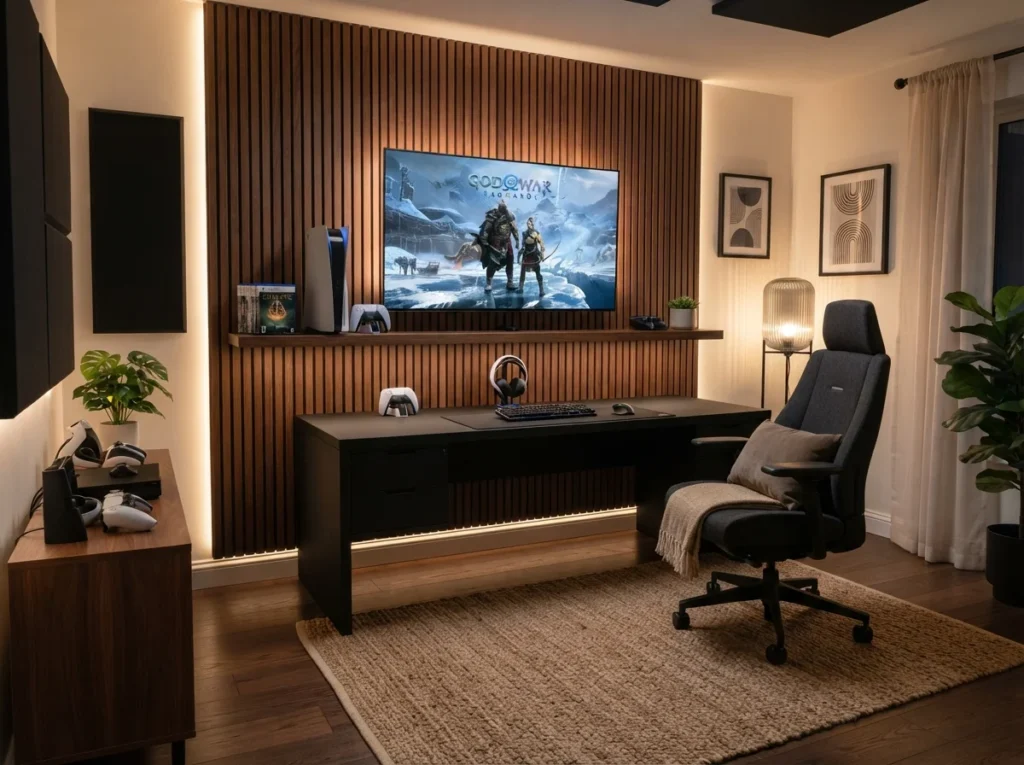
A rug can make a gaming room feel more finished and comfortable, particularly when the space has hard flooring. Choose a low-pile rug that allows a gaming chair to move easily, or place a softer rug beneath a sofa-based entertainment area. Geometric patterns and neutral colors work well in modern gaming rooms.
Layer the space with upholstered seating, fabric curtains, and a few soft cushions to balance the hard surfaces of screens and furniture. Choose materials that are easy to clean and suitable for the room’s level of use. These details help the setup feel like a thoughtfully designed interior rather than just a technology corner.
25. Build the Ultimate PS5 Gaming and Entertainment Zone
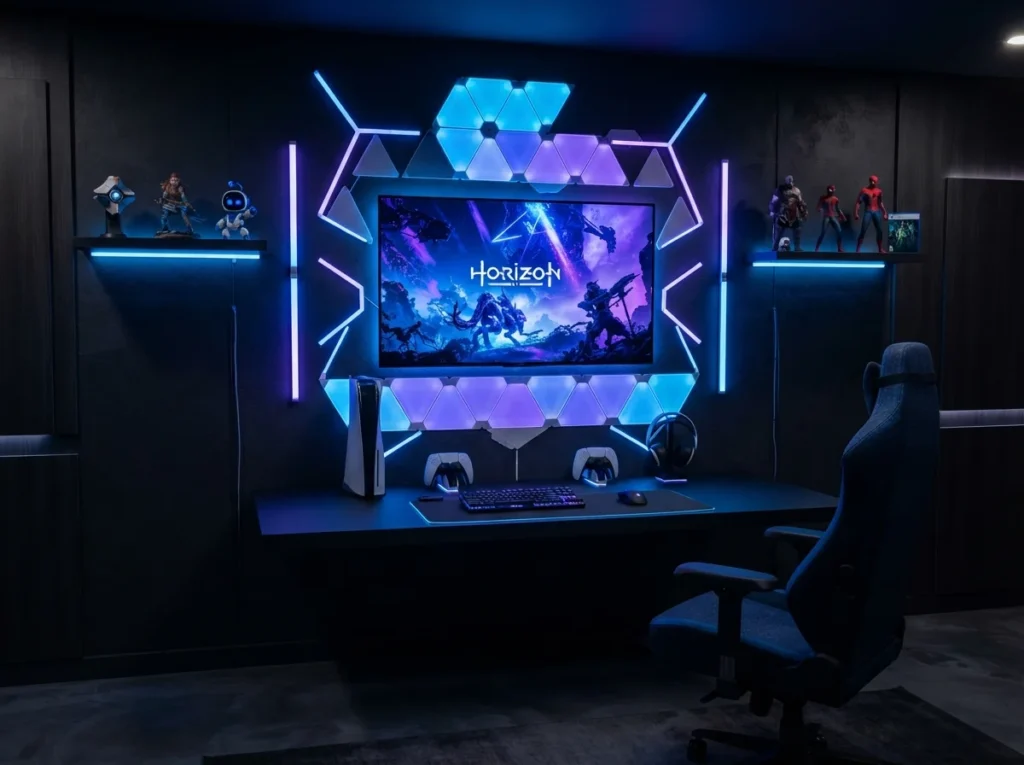
An all-in-one entertainment zone brings gaming, movies, and social time together in one coordinated space. Center the room around a large display, position the PS5 on a well-ventilated media unit, and arrange comfortable seating at an appropriate viewing distance. Add controller charging, accessory storage, and carefully planned cable management for everyday convenience.
Complete the room with layered lighting, a stylish rug, framed gaming artwork, and a few display shelves for collectibles. Choose a consistent palette such as black and walnut, white and gray, or charcoal with blue accents. The result is a polished gaming destination that looks impressive while remaining comfortable and practical.

Ahmad is the founder and writer behind Valmora Decor, a home decor blog packed with practical ideas for beautiful, livable spaces. From cozy bedrooms to inviting outdoor areas, he shares easy-to-follow inspiration for every corner of the home.